See it in action
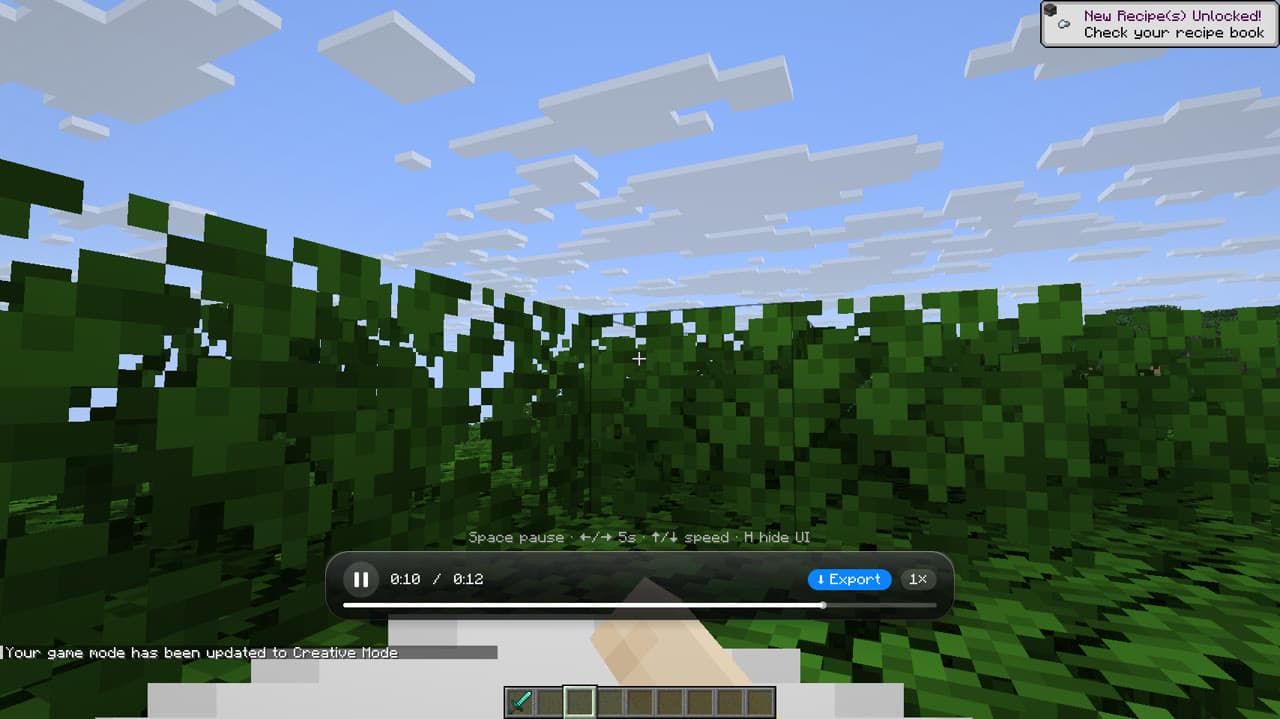
A real clip saved with Frameback in a PvP duel.
What it does
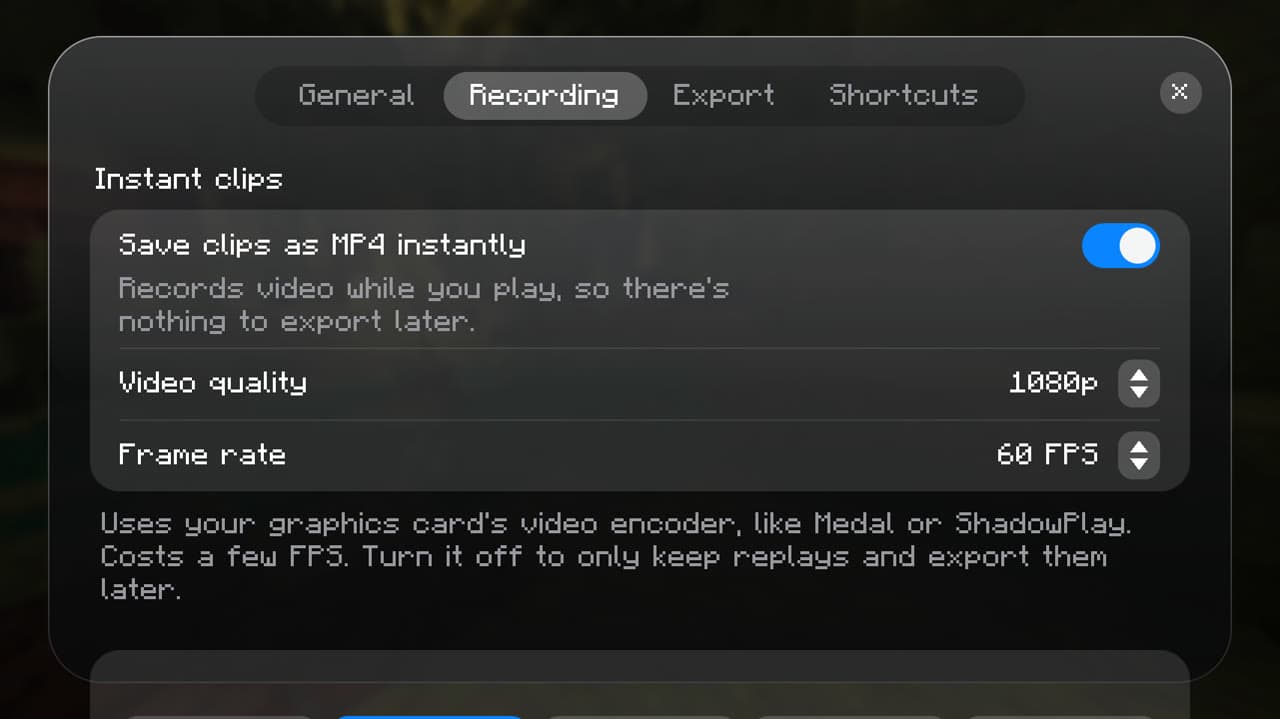
Instant MP4 clips
Press F8 and the last few seconds are saved as an MP4 with sound, ready about a second later.
Replays from your view
Watch any clip again inside Minecraft: your hand, hotbar, inventory and swings, exactly as you played.
Export up to 4K 120 fps
Re-render replays in higher quality. Pick as many as you want and render them when you're done playing.
You pick the length
Keeps anywhere from the last 10 seconds to the last 5 minutes.
Discord sizes
One click to fit a clip under Discord's 10 MB or Nitro's 50 MB limit.
Works with Spotify Island
If you run both, they share one island so pop-ups never overlap.
All versions
Frameback 1.1.0. Pick the file for your Minecraft version.
Updates
Always download the newest version for the latest fixes.
Version 1.1.0Latest
Oct 16, 2026- +Motion blur for exports! Pick Off, Light, Medium or Strong in any clip's Export menu, or fine-tune it in Settings → Export.
- +Exports are up to 3x faster.
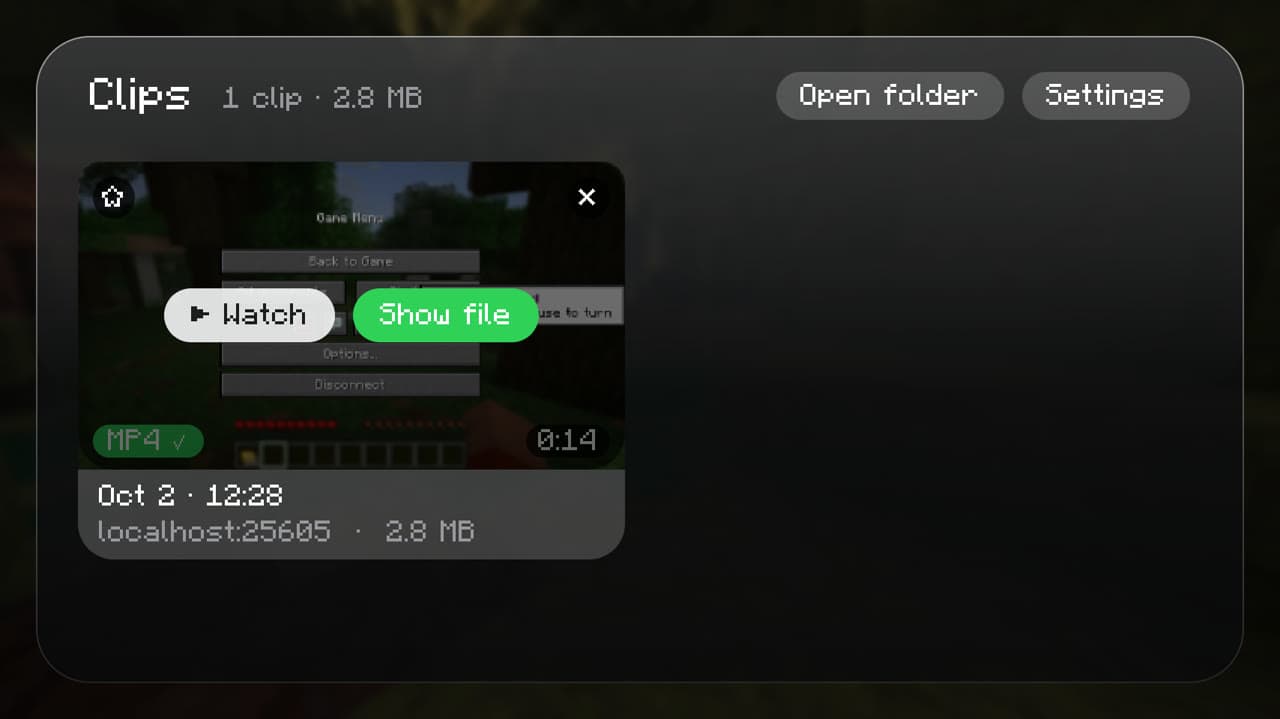
- +Exported videos go in their own "exports" folder, and clicking the green MP4 tag opens the folder with your clip selected.
- +Replays show exactly what you held: no more potion in your hand when you were using your sword.
- +Golden apple eating shows up in your clips.
- +Armor you put on or take off shows up at the right moment.
- +Your own block placing, block breaking and footstep sounds are in your clips now.
- +Fixed clips from duel servers playing with no hotbar or hearts (this fixes your old clips too).
- +Fixed a crash on startup when Replay Mod is installed.
- +Fixed a crash on Minecraft 26.2 when a menu slid in from the edge of the screen.
- +If instant MP4 clips can't run because the video encoder isn't set up, Frameback tells you and offers to set it up.
Version 1.0.9
Oct 12, 2026- +Share clips with a link! Hover a clip and press Share link: it uploads the clip and copies a link that plays right inside Discord.
- +Shared clips load fast: a share-sized 1080p copy is uploaded, with a progress bar while it goes.
- +Fixed replays disconnecting with "Detected a missed or reordered chat message" when people chatted in the clip.
- +Fixed enchantment glint (and Spotify Island) moving way too fast in exports.
- +Every shared clip gets its own page on this site, with a player, a download button and a report button.
Version 1.0.8
Oct 9, 2026- +Server texture packs now show up in replays and exports.
- +F5 and freelook show up in your clips, just like you saw them.
- +Fixed sounds coming a few seconds late in some clips (and their Discord copies) after alt-tabbing or a lag spike.
- +Fixed clips from some servers getting stuck on the loading screen forever.
- +Take clips out of the export queue: click "Queued ✕", or use Clear.
- +Instant clips lower their quality by themselves if your PC can't record smoothly, instead of coming out choppy.
- +Fixed replays getting stuck on "loading terrain" when you died (or respawned) in the clip.
- +Fixed server name tags bouncing around your head in F5 and freelook.
- +Watching or editing a clip on a server asks first, then joins the server again when you close the clip.
- +Exports stay smooth when you tab out with Dynamic FPS installed.
Version 1.0.7
Oct 5, 2026- +New clip editor: press Edit on any clip to cut, trim, delete parts and add slow-mo, right in the game.
- +Instant clips use way less of your PC, so much smaller FPS drops.
- +Brand new settings: one-click presets, a live preview, and search with Ctrl+F.
- +Themes! Redstone, Nether, The End, Amethyst and more, with their own textures and sounds.
- +Export for Discord (10 MB) in one click, without losing your full-quality video.
- +Clips are always 1920x1080 now, no more stretched videos on laptops.
- +Exports keep your HUD the right size, like on your screen.
- +Player skins always show in replays and exports (no more Steves).
- +Hitboxes (F3+B) are saved with your clip and show up in the export.
- +Changing "Run the buffer" in settings now works right away, no need to rejoin.
- +Never get stuck loading a replay: press Esc to cancel, and it gives up by itself after 45 seconds.
- +Clips are always first person (no more getting stuck in F5), and your player walks properly in replays.
- +Lots of fixes: replays on Velocity servers, boss bars, floating nametags, stuck exports.
Version 1.0.6
Oct 3, 2026- +Fixed the game closing when you export with VulkanMod installed.
- +VulkanMod can't record videos yet: Frameback now tells you instead of crashing. Replays still work.
Version 1.0.5
Oct 2, 2026- +Fixed exported videos coming out shorter than your clip (like 10 seconds instead of 30).
- +Replays now start right at the beginning of your clip, even on slower PCs.
- +Fixed a crash that could happen when closing the game.
Version 1.0.4
Oct 2, 2026- +Export lots of clips at once: open Clips (F9), press Select and pick them.
- +Exports don't start by themselves anymore. Keep playing, then press Render now when you're ready.
- +Instant clips use less of your PC, so fewer FPS drops.
Version 1.0.3
Oct 2, 2026- +Fixed a crash when opening Clips (F9).
- +If your PC can't keep up, instant clips lower their quality by themselves instead of lagging your game.
Version 1.0.2
Oct 2, 2026- +Fixed exported videos that came out only 1 second long.
Version 1.0.1
Oct 2, 2026- +The video tool (FFmpeg) now downloads on more Wi-Fi networks.
Version 1.0.0
Oct 2, 2026- +First release!
Questions
Does it lower my FPS?
Instant clips use a little of your PC to record video. If your PC can't keep up, Frameback lowers the quality by itself. You can also turn them off in settings, and replays still work.
Does it work on servers?
Yes, any server, including cracked and Velocity servers. It only records what your own game already receives.
What do I need?
Fabric Loader and Fabric API. Mod Menu is optional but gives you the settings screen.
Where are my clips?
Press F9 in game, or look in .minecraft/frameback/clips.
Can I use the source code?
No. Frameback is All Rights Reserved: you can't reuse its code, make your own version or re-upload it. You can use it, make videos with it and add it to modpacks that link to this page. See the License page for the details.
Loved by players, trusted by PvPers
Straight from the Frameback Discord.

“u are a legend and u made a spotify island also. u are bringing back minecraft when it was fun”

“best mod creator”

“crazy work dude”

“this mod changed my life thank you”

“W mod frameback, i have low end pc so i cant run medal without vsync on. now i can play with the mod and without vsync and 0fps loss. Its a w mod, Hazard is da goat”